new tasks
1. Function introduction
Just enter the requirements in the new task , and Wukong will operate your computer like a real assistant, automatically completing various tasks from simple to complex. Supports execution on Wukong cloud computer or local computer , model optional standard , advanced , flagship version , can also be customized to add model .

2. Operation process
Create task
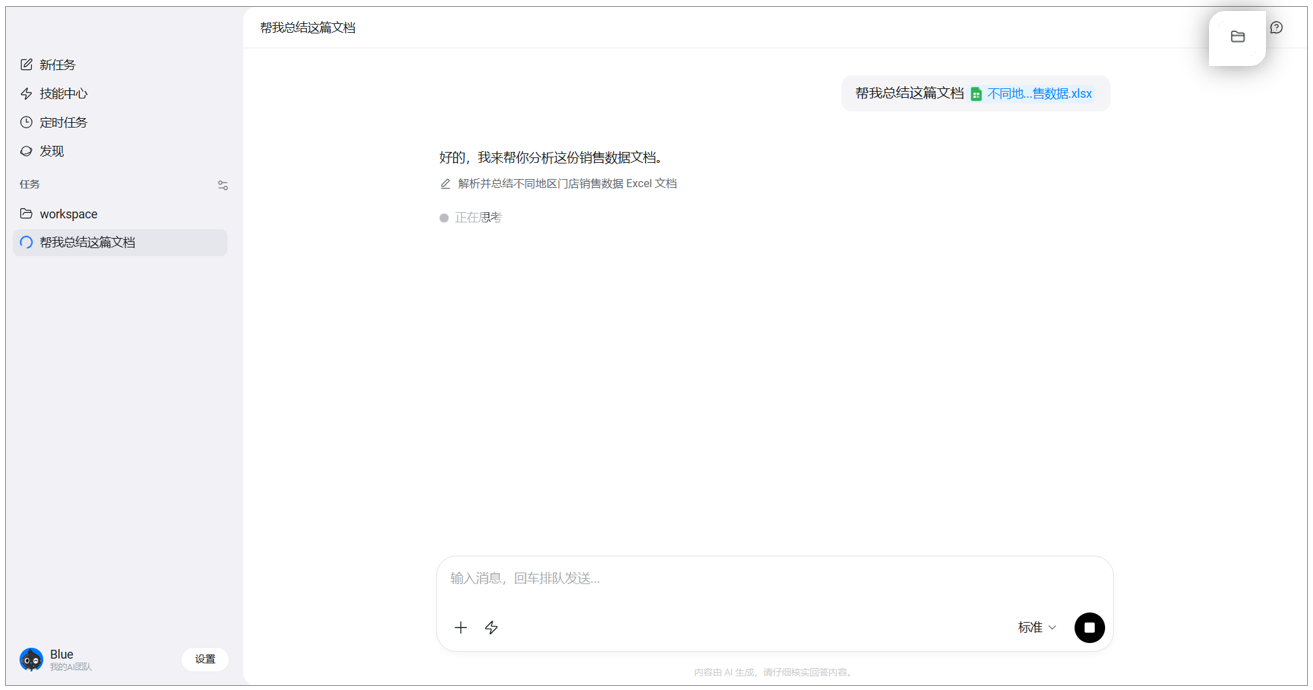
Open Wukong > +New Task on the left, you can upload pictures or files, upload folders, etc., describe the tasks that need to be created by Wukong;

After the task is completed, you can find the corresponding task, click on the upper right corner to view the files in this task, and click to view the details.

Terminate task
If you want to terminate the task, click the button below to pause.

Delete task
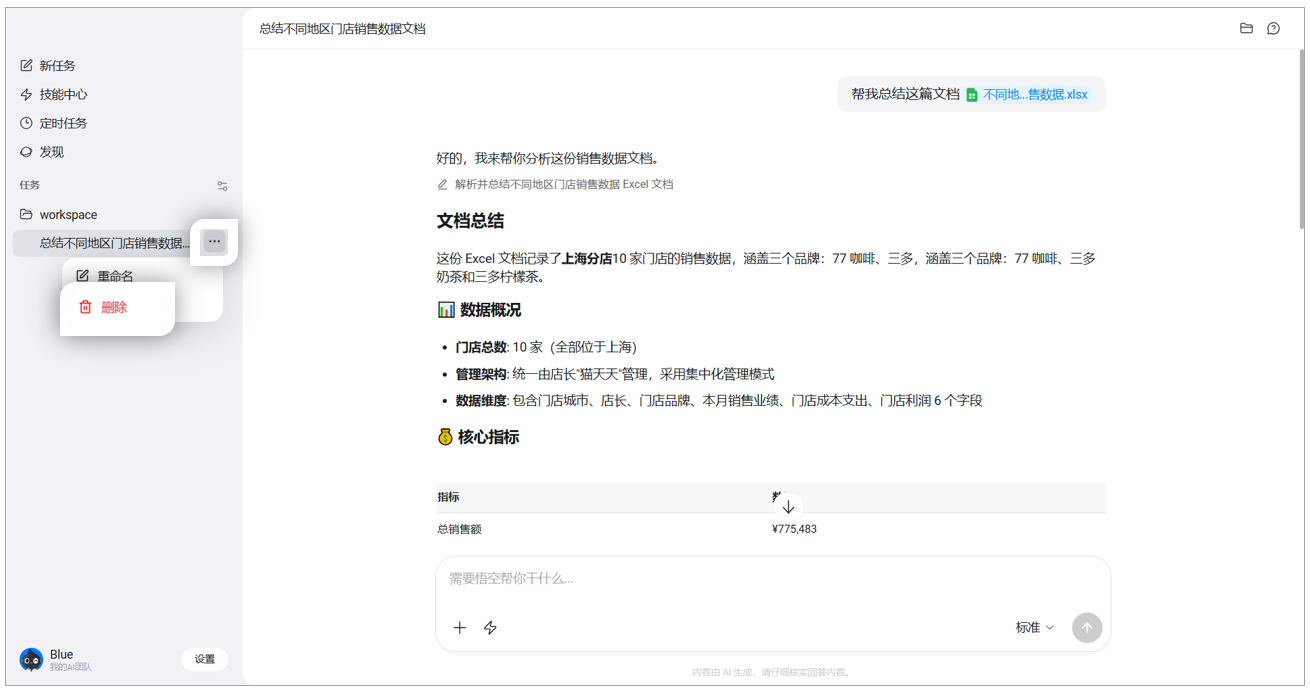
If you need to delete a task, you can go to the conversation history on the left, select the task corresponding to […] and delete .
3. Frequently Asked Questions (FAQ)
Q: What are the differences between standard model, advanced model and flagship model?
Answer: The model differences are as follows:
- Standard: Quick response to simple tasks
- Advanced: More suitable for complex tasks that require thinking
- Flagship: Use the strongest model to handle multi-threaded tasks