Download and Install
Overview
Wukong is an AI-powered agent work platform that can operate your computer like a real assistant and help you complete tasks ranging from simple to complex.
System Requirements
Minimum supported versions for installing Wukong:
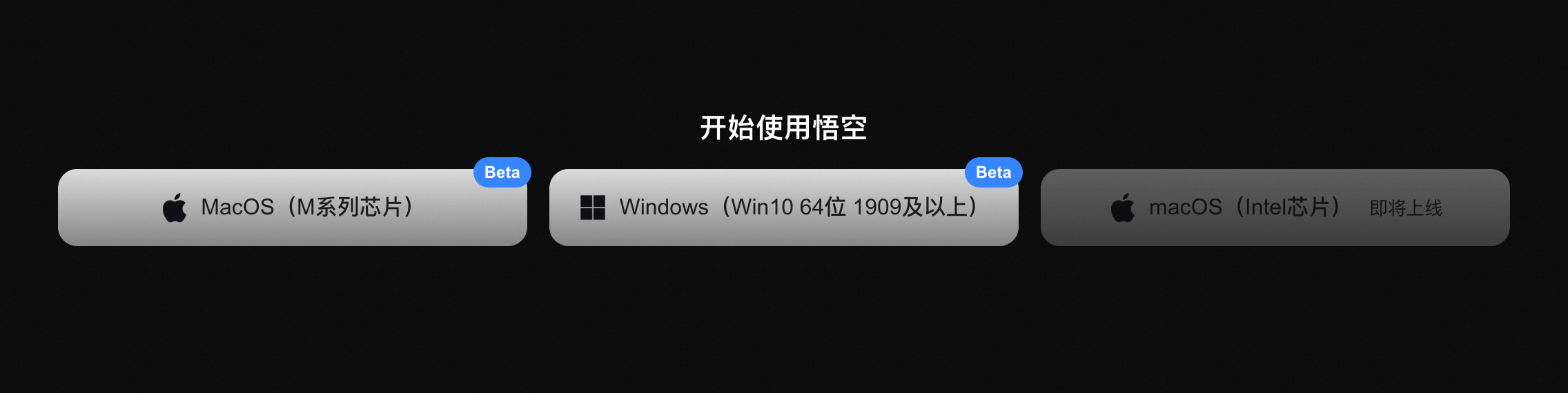
- macOS 14 or later (Apple Silicon, beta)
- Windows 10 64-bit version 1909 or later (beta)
Note: macOS on Intel chips is coming soon.
Important: We recommend using a newer operating system for the best experience. If your device does not meet the requirements, you can purchase a Wukong Cloud PC instead.
Installation Options
Option 1: Download from the Official Website
Go to the Wukong website, download the client to your local computer, and complete the installation.
Option 2: Purchase a Cloud PC
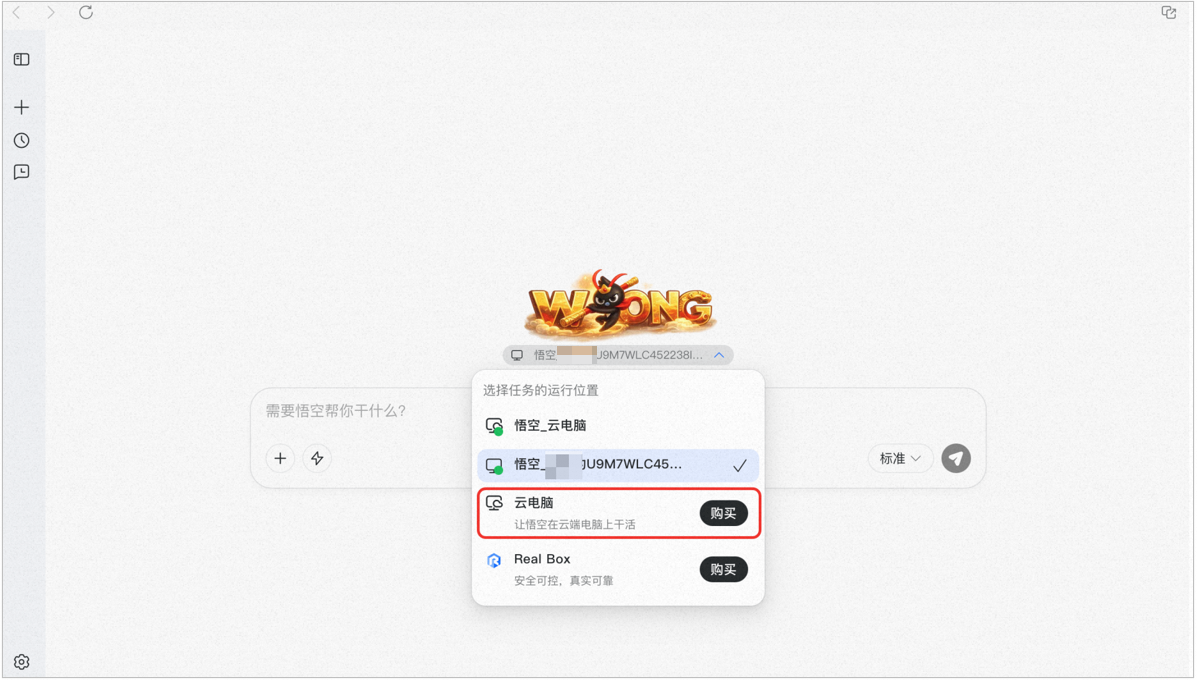
After purchasing a Wukong Cloud PC and completing payment, you can start using it immediately.
Limited-time offer: RMB 9.9 for the first month. Pricing for later months will be announced separately. The actual price displayed in the product takes precedence.
Purchase path: DingTalk desktop client → Wukong → bottom-left Settings → Purchase Cloud PC
FAQ
Q: Are the features the same?
A: They are mostly the same. Wukong in DingTalk acts more like a control center that orchestrates tasks across multiple devices, while the standalone app controls only the local machine it is installed on.
Q: Is data synchronized?
A: Yes.