Scheduled Tasks
1. Overview
Scheduled Tasks let Wukong automatically repeat work at times you define.
You can configure tasks to run every day, every week, or at a fixed time to handle recurring work for you.
For example, you can have Wukong collect news every day, review Git commits from the last 24 hours for potential issues, or generate a weekly report automatically.
2. How to Use
Open Scheduled Tasks
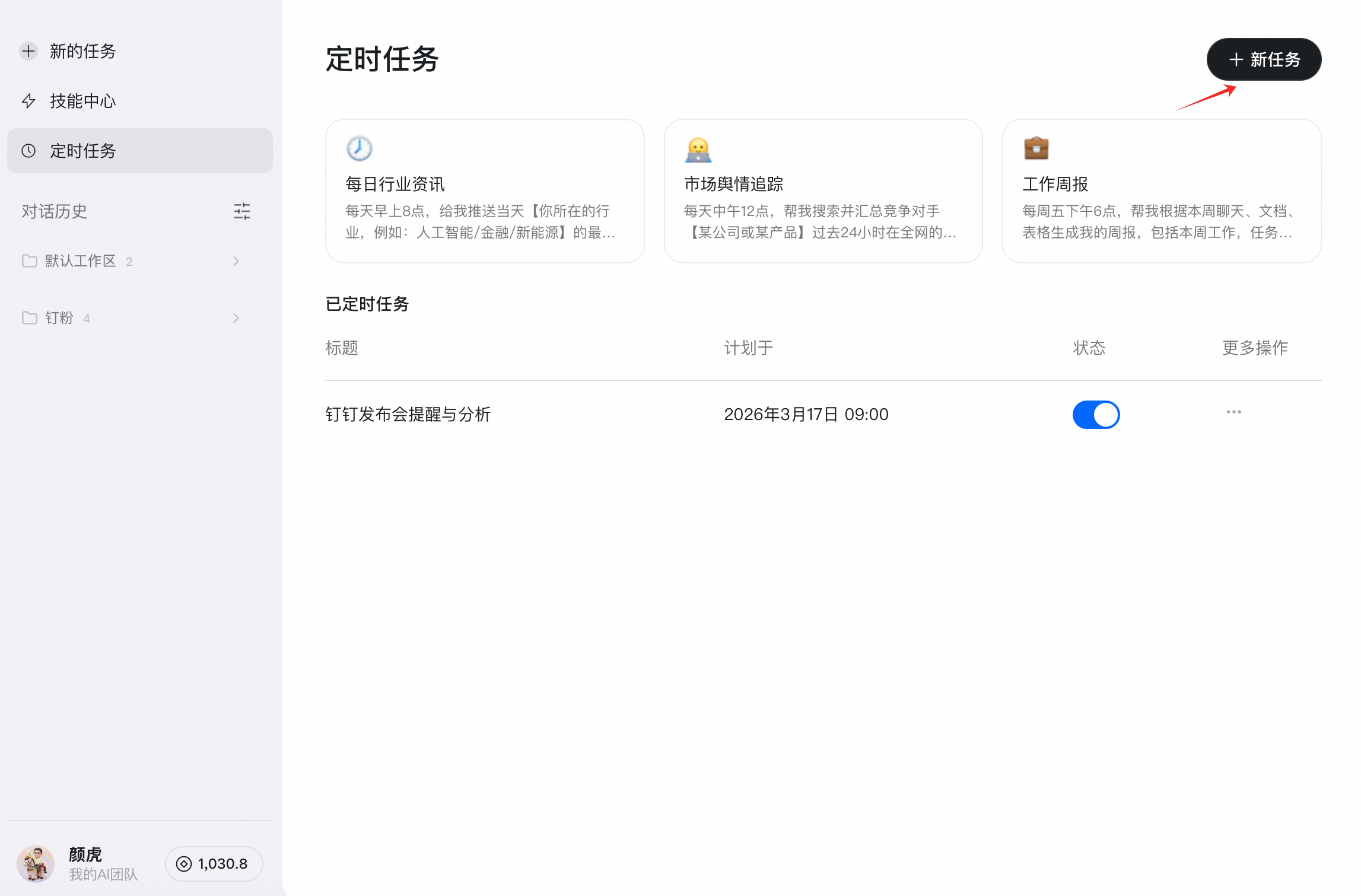
Open Wukong and click Scheduled Tasks in the left sidebar.
Create a New Task
Click + New Task, then configure the schedule time, task scope, recurrence, and other related settings.

Manage the Task List
After creating scheduled tasks, you can view the task list and edit, delete, or run a task immediately for testing.

Last updated on