New Task
1. Overview
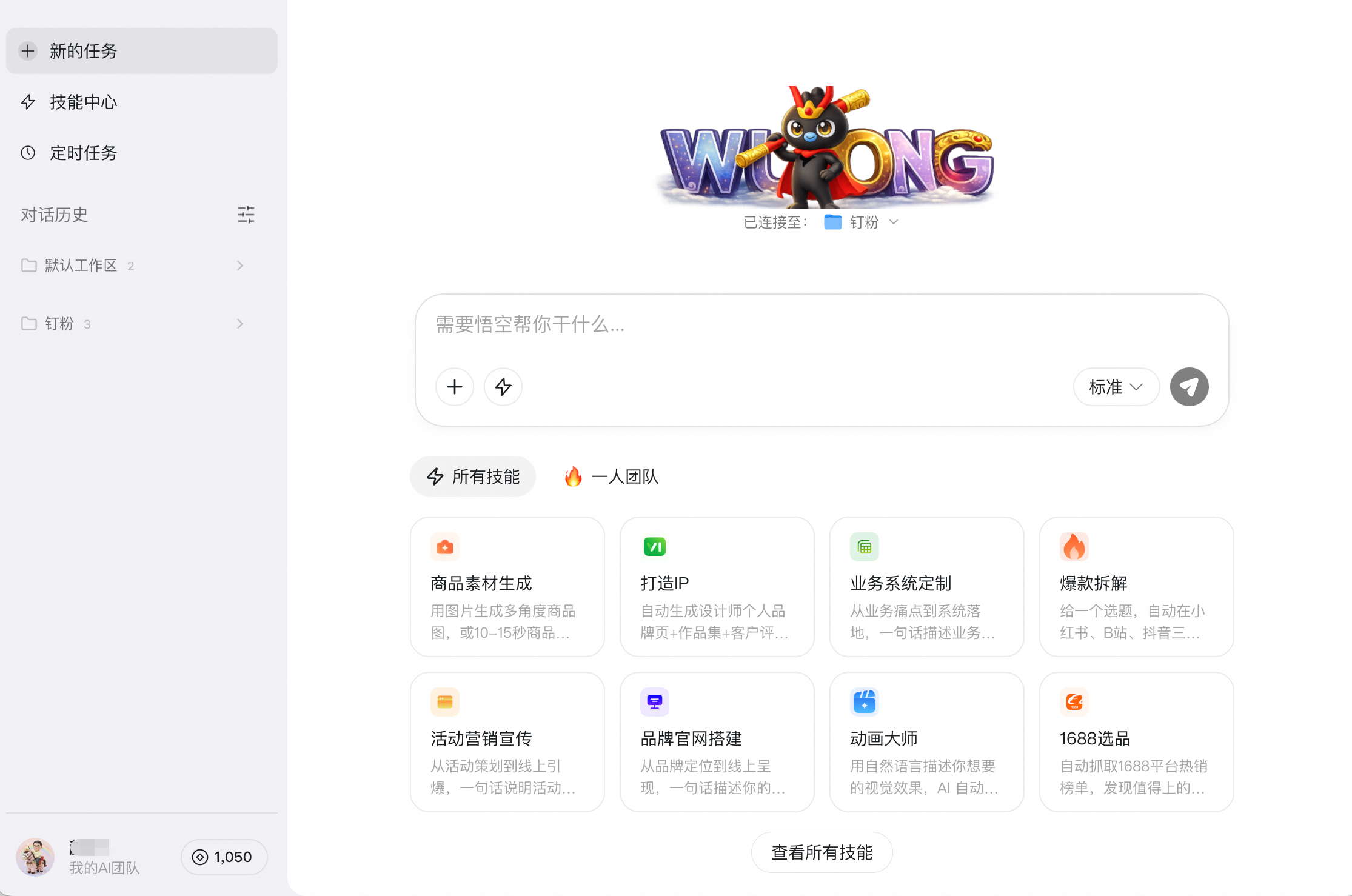
Enter your request in New Task, and Wukong will operate your computer like a real assistant to complete work ranging from simple to complex. Tasks can run on a Wukong Cloud PC or your local computer. Available model options include Standard, Advanced, and Flagship, and you can also add custom models.
2. How to Use
Create a Task
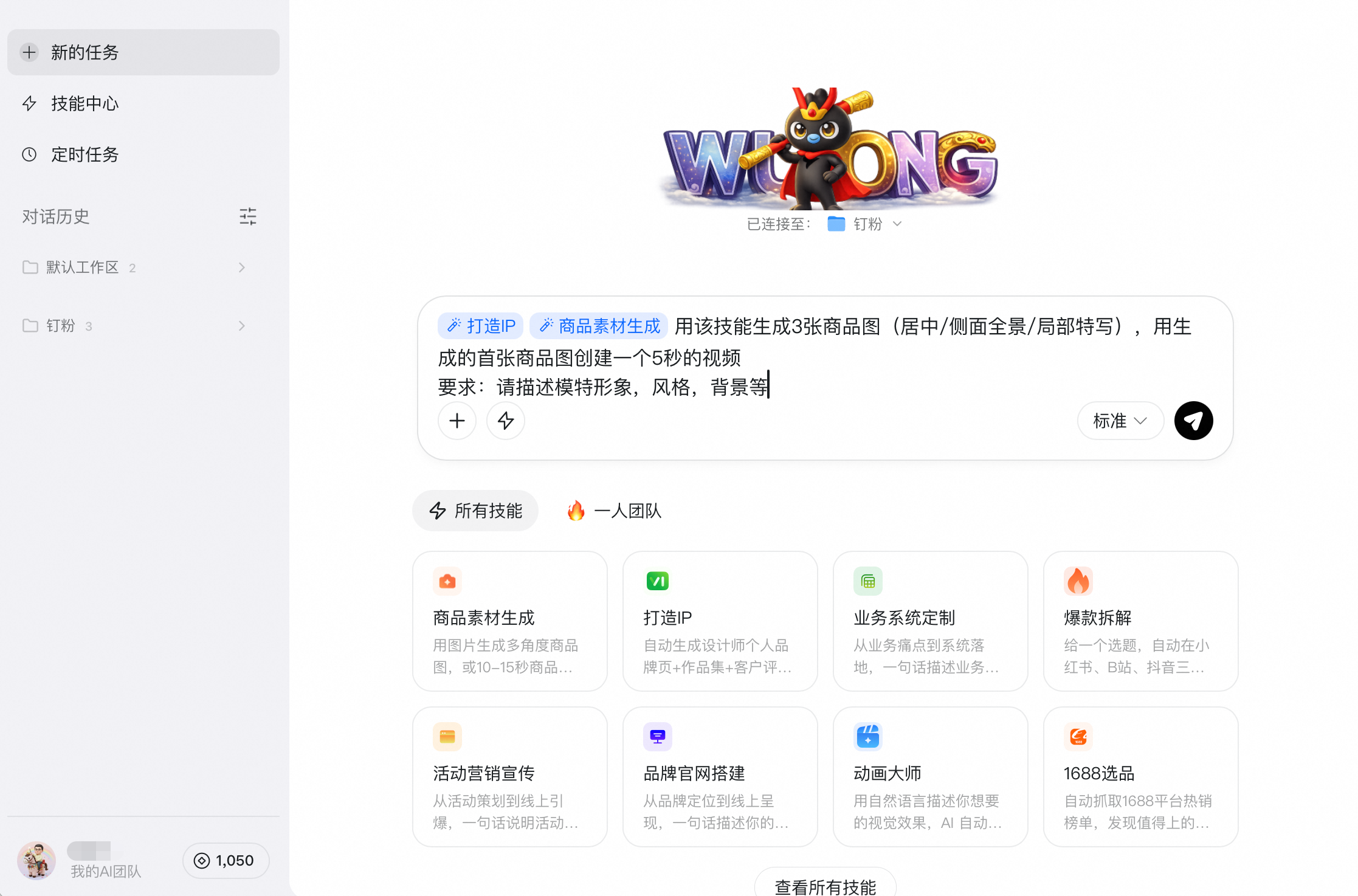
Open Wukong and click + New Task in the left sidebar. You can upload images, files, or folders, then describe the work you want Wukong to complete.

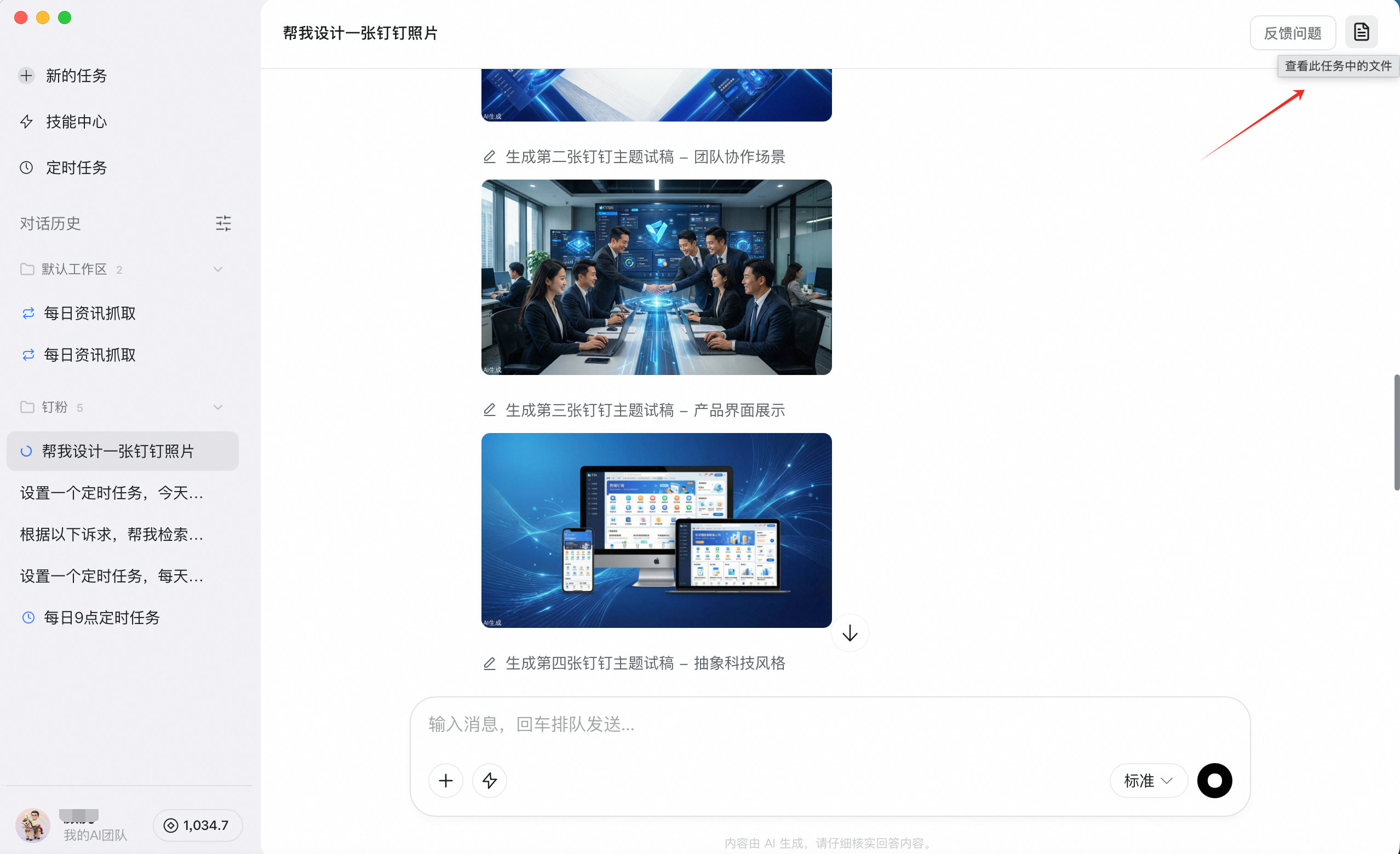
After the task is complete, locate it in the task list and click the icon in the upper-right corner to view its files and details.
Stop a Task
If you want to stop a task, click the pause button at the bottom.

Delete a Task
To delete a task, find it in the conversation history on the left, right-click it, and choose Delete.

3. FAQ
Q: What is the difference between the models?
A: The model tiers differ as follows:
- Standard: fast responses for simpler tasks
- Advanced: better suited for more complex tasks that require deeper reasoning
- Flagship: uses the strongest model for multi-threaded tasks